Aura AQ / Community

Built by the community.

Different enclosures, colours and places to put them. These are a few of the Aura AQ builds and experiences shared by makers on MakerWorld.

Explore the builds

10 maker storiesPhotos & reviews from MakerWorld

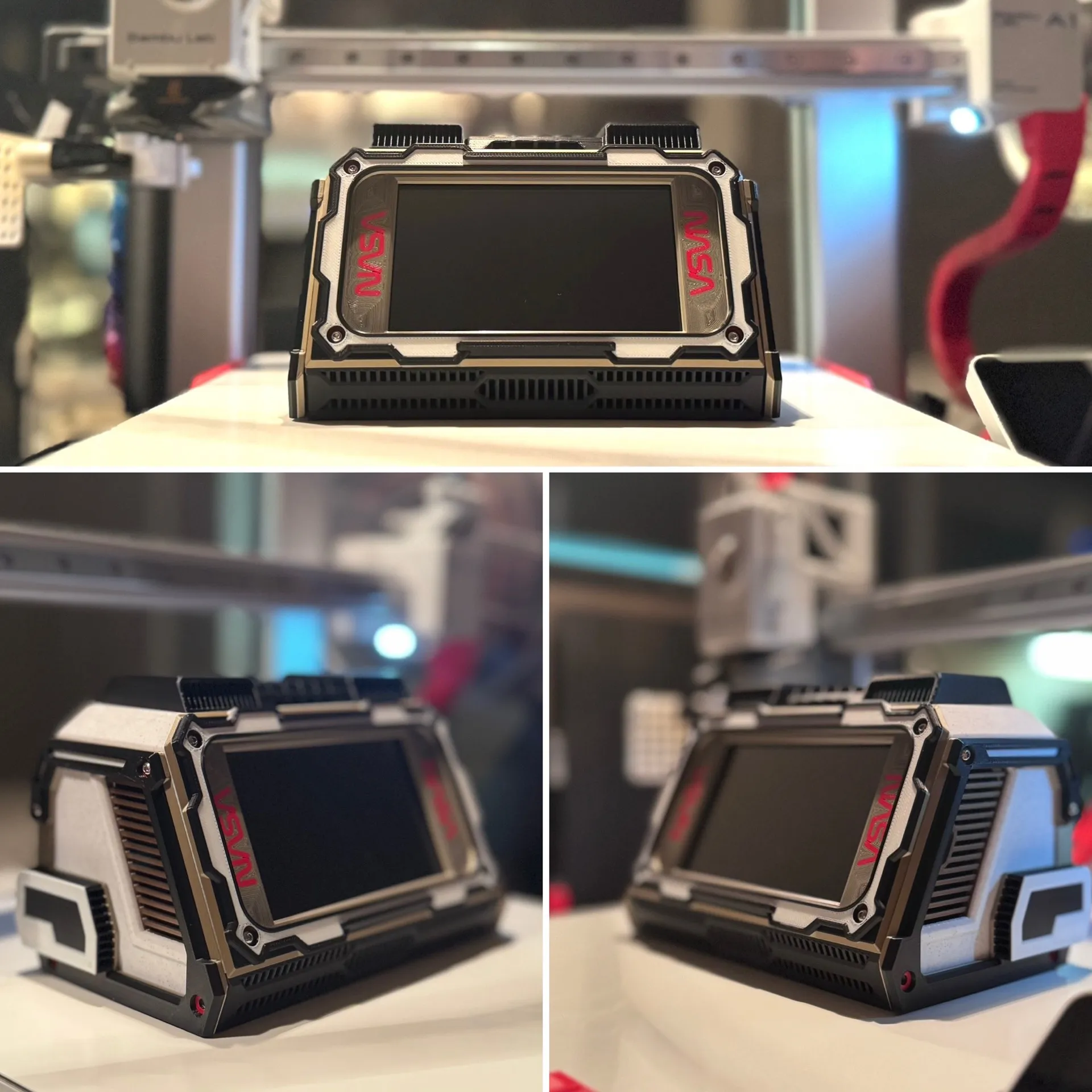
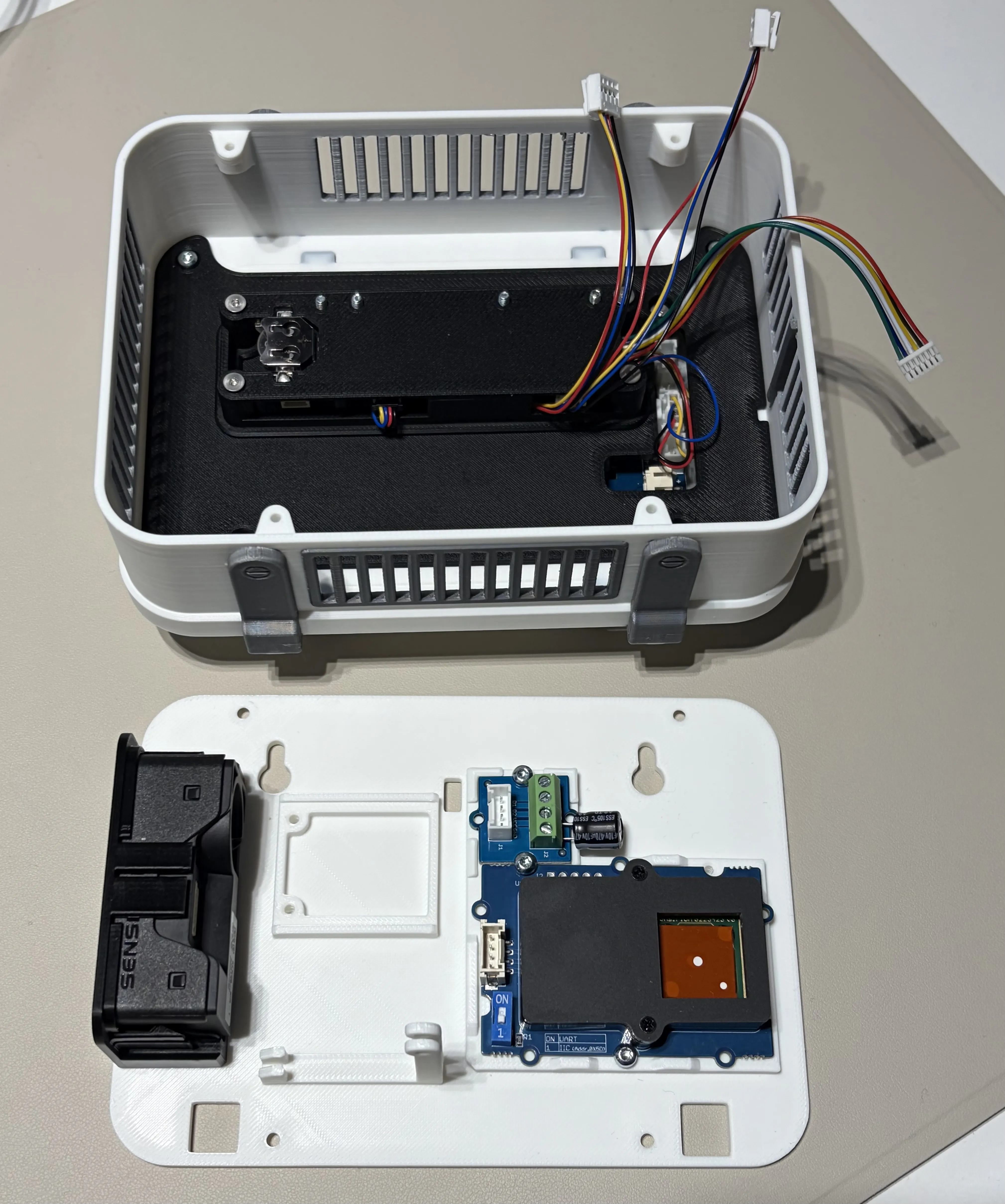
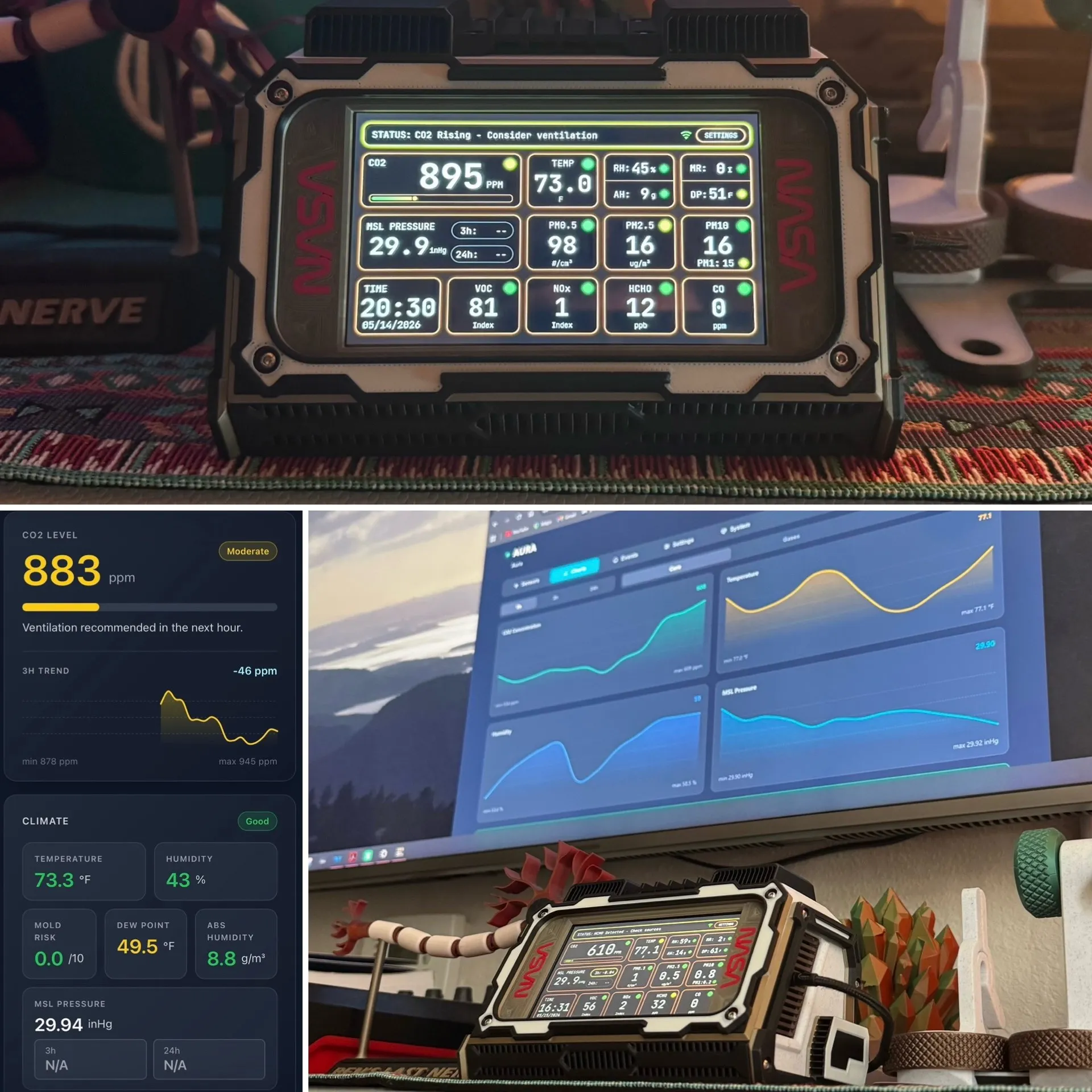
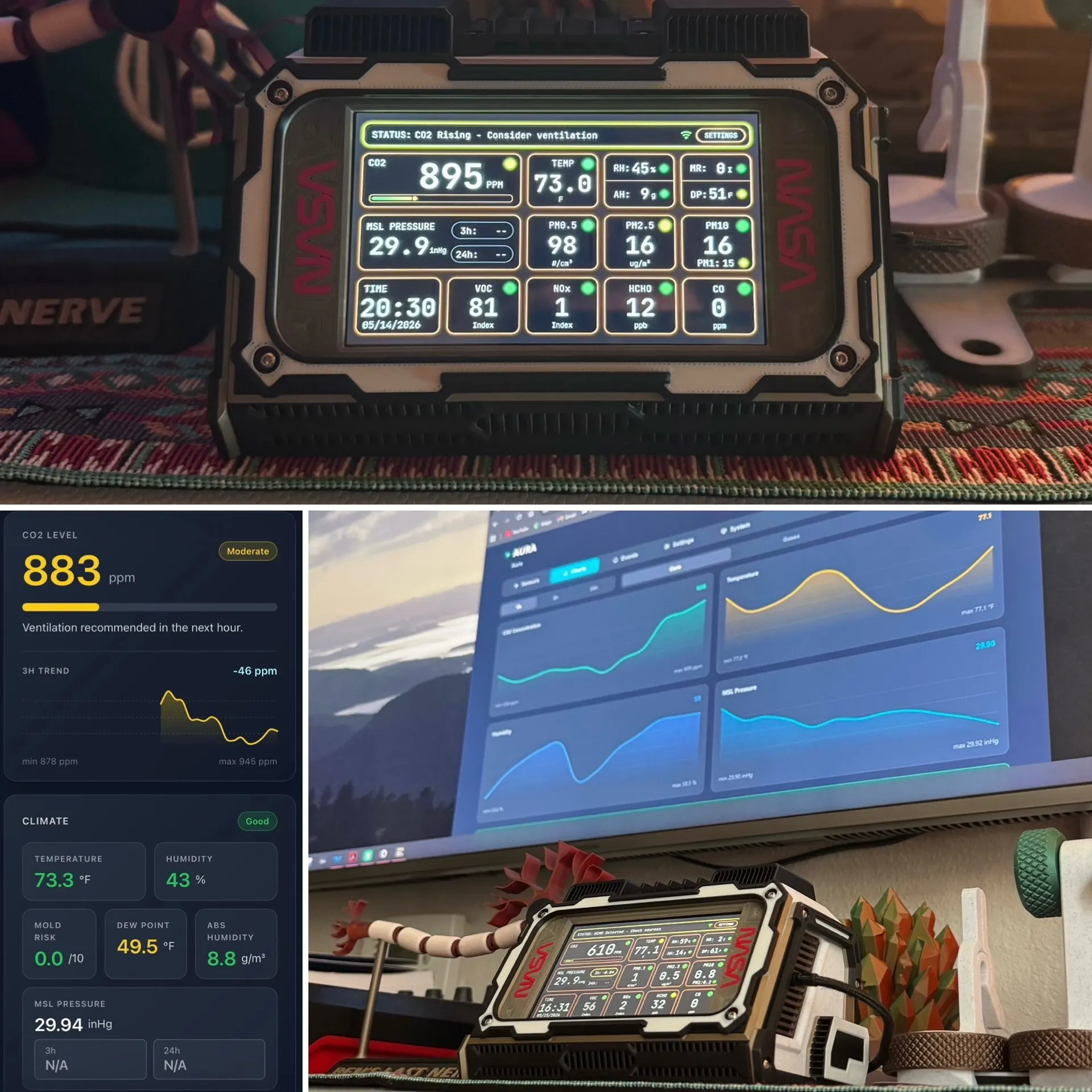
ooze_control’s customised Lunar enclosure with NASA logos and local dashboard
@ooze_control
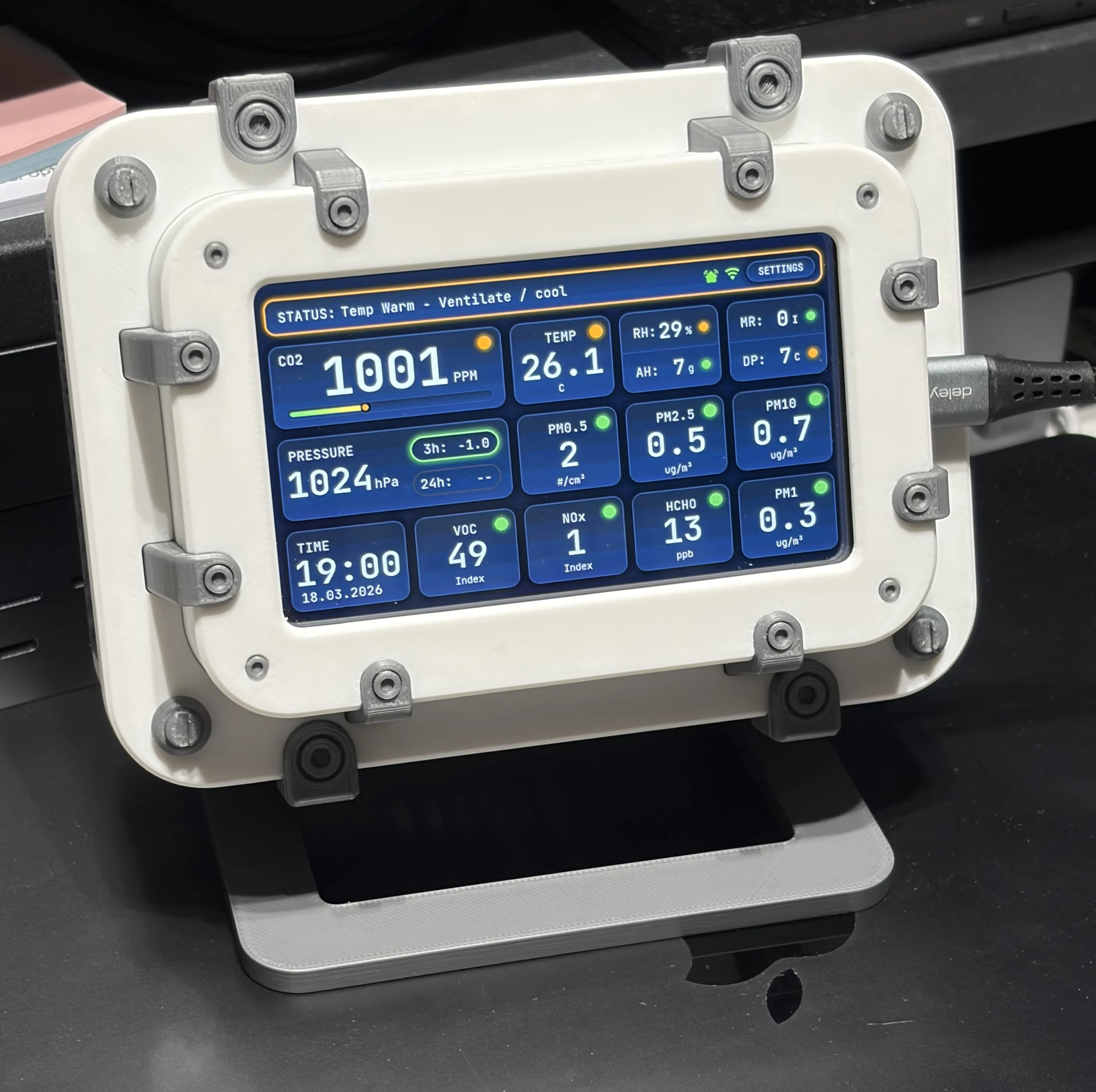
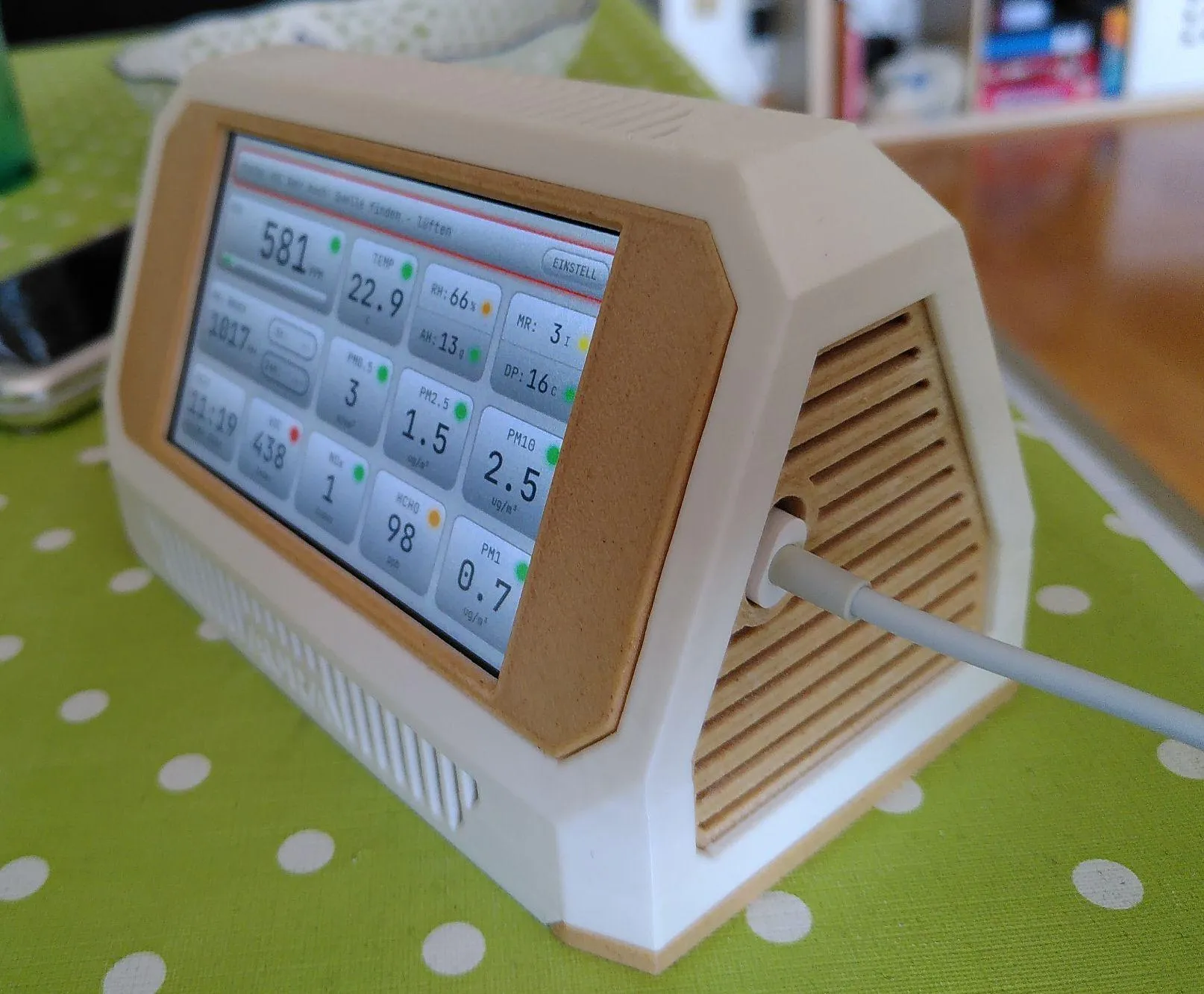
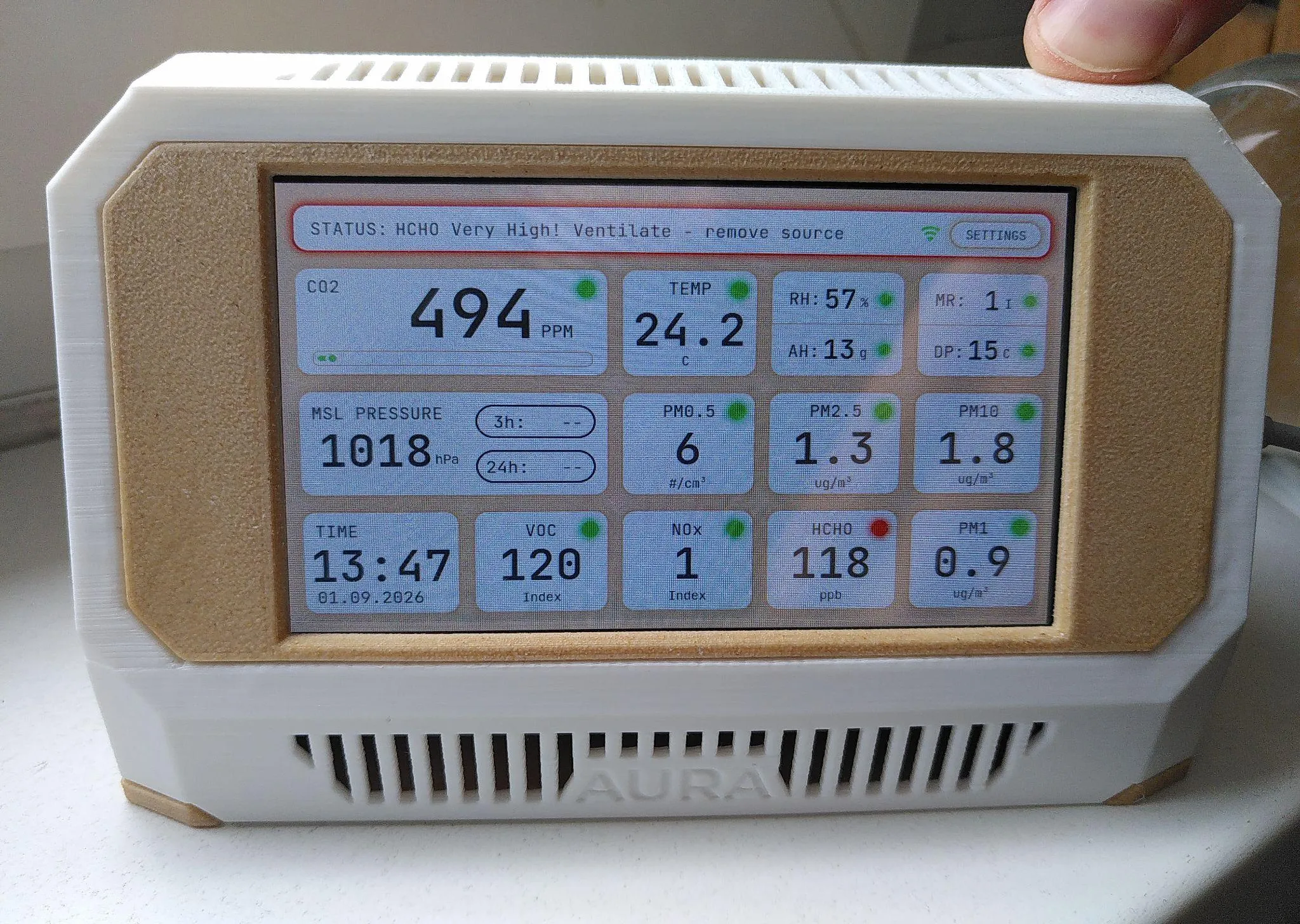
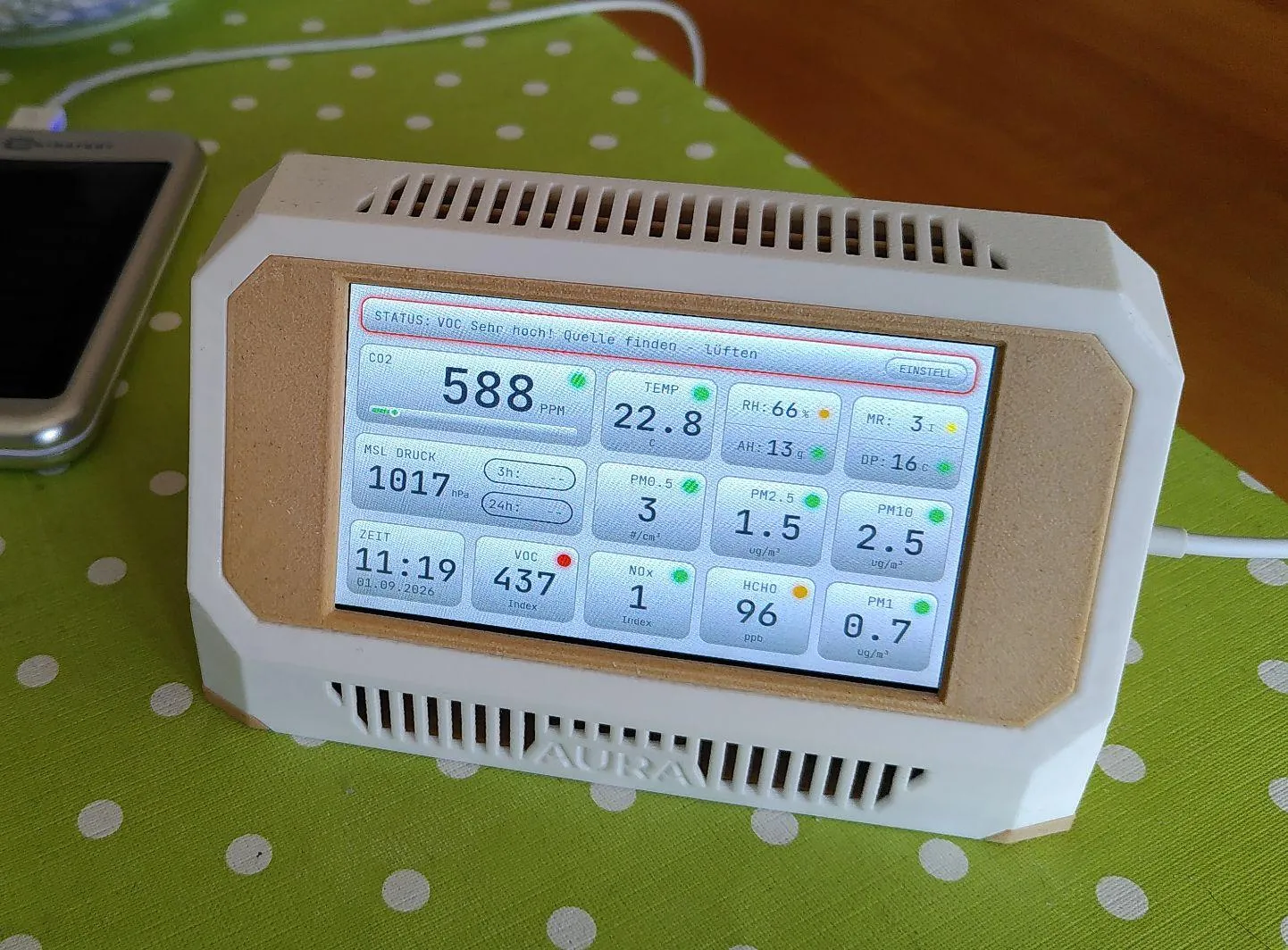
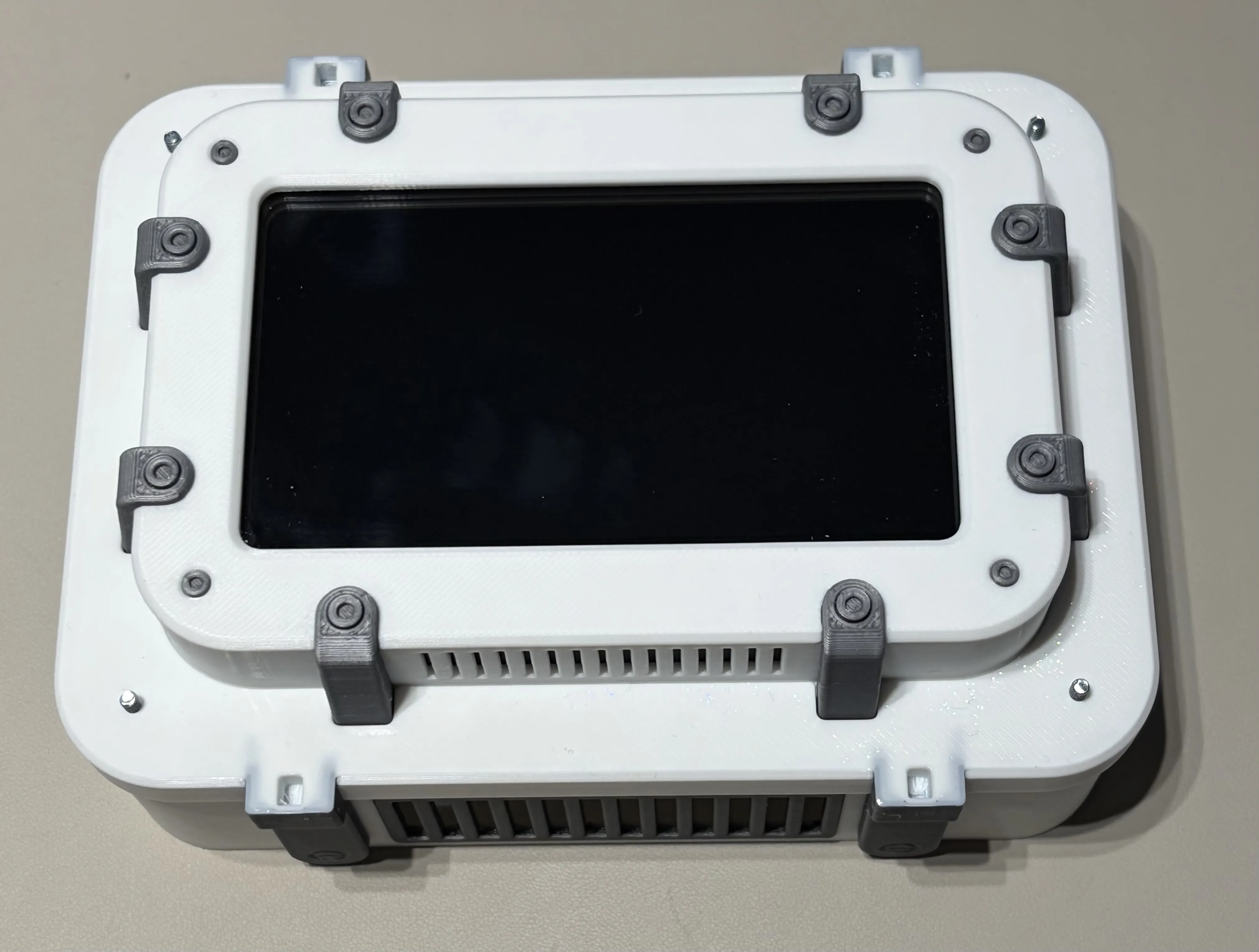
Hitm357’s white and space-grey Industrial Aura AQ enclosure
@Hitm357
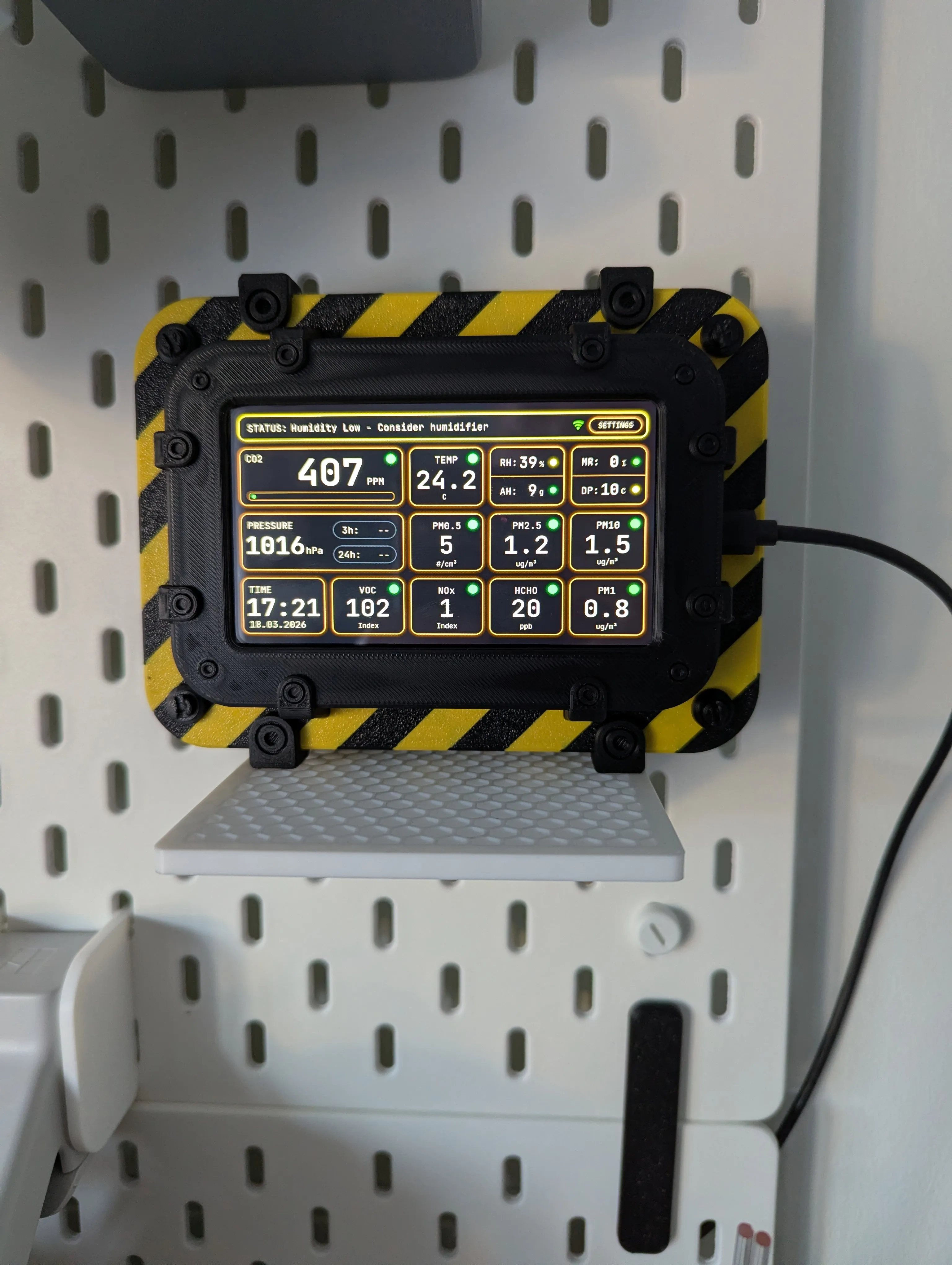
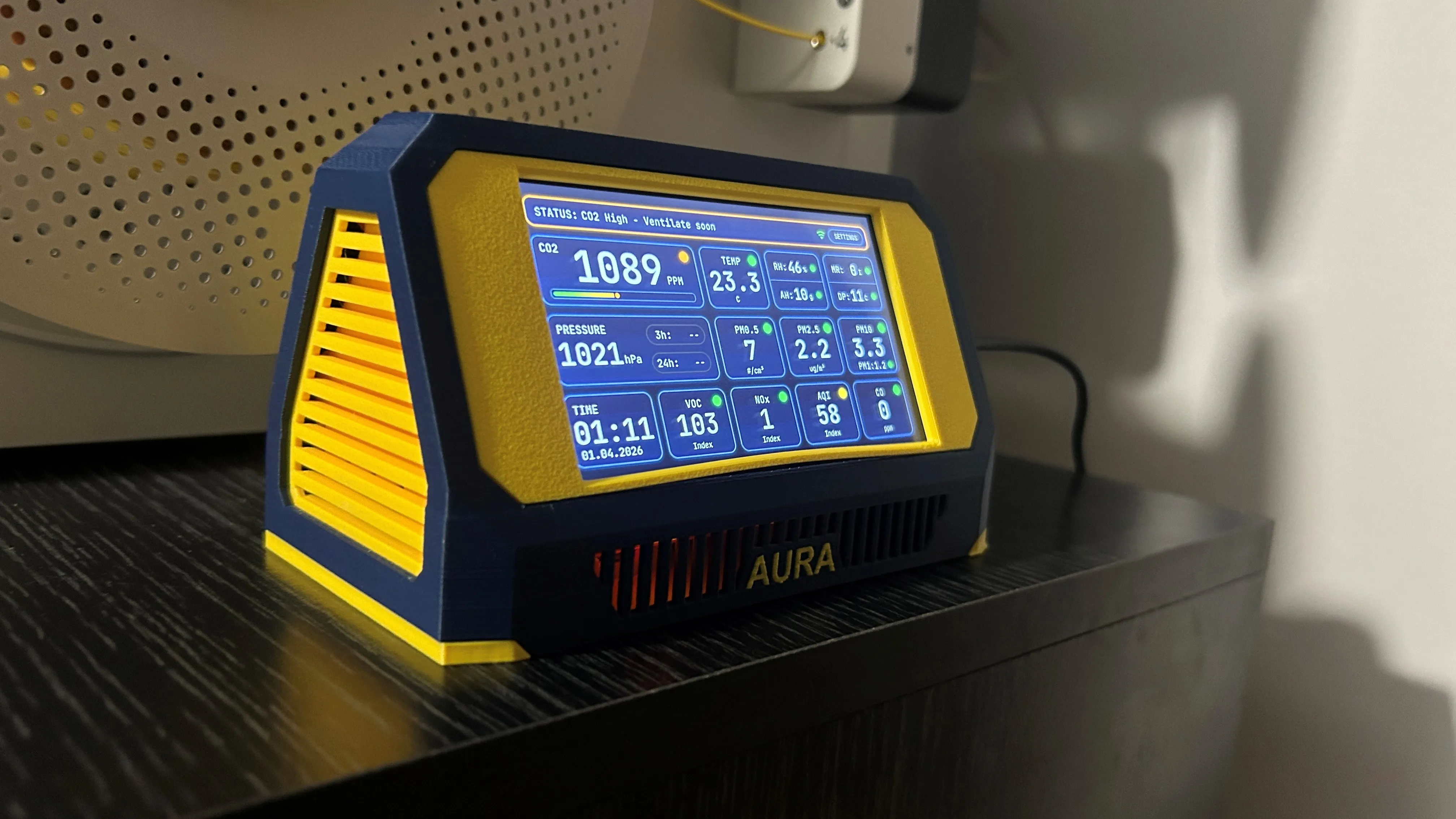
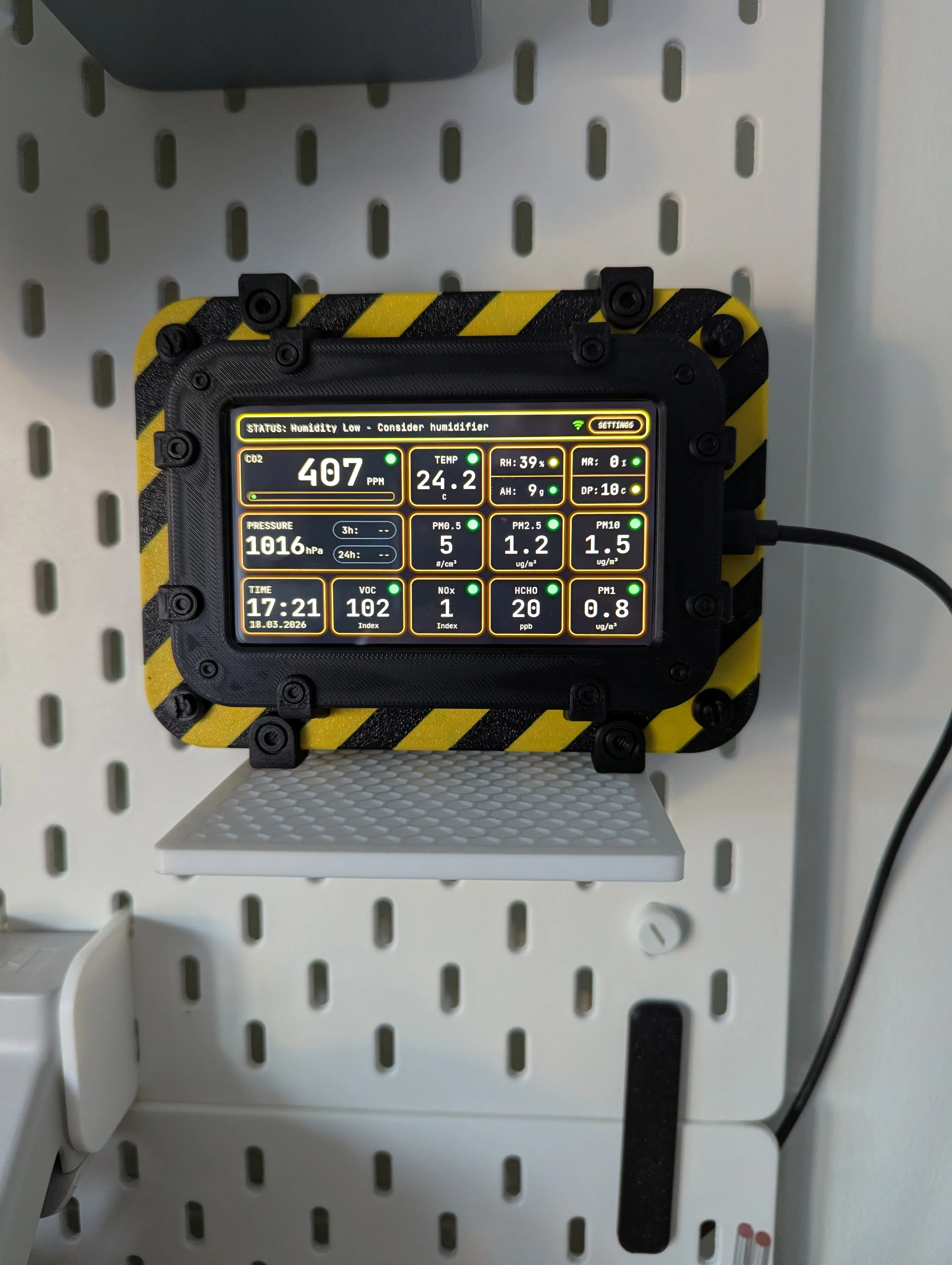
Mitch_in_Wilts’s working two-colour Aura AQ beside an IKEA Skadis board
@Mitch_in_Wilts

10 maker stories

These are makers’ accounts of their own builds, selected by the Aura team. They show assembly and everyday use; they are not controlled tests of sensor accuracy.

Selection checked on 10 October 2026

Lunar enclosure

A Lunar build with a NASA touch
View on MakerWorld
ooze_control’s customised Lunar enclosure with NASA logos and local dashboard — Photo 1 of 5
Photo 1 of 5
Photo: @ooze_control · MakerWorld
MakerWorld comment
@ooze_control

☄️🪐Houston, we have liftoff 🚀🛰️

First off, want to say that this is an awesome project, that is very well thought-out and implemented.

It took me some time to source all the components (about two months), but I finally managed thanks to all the alternative options and info posted in the project updates.

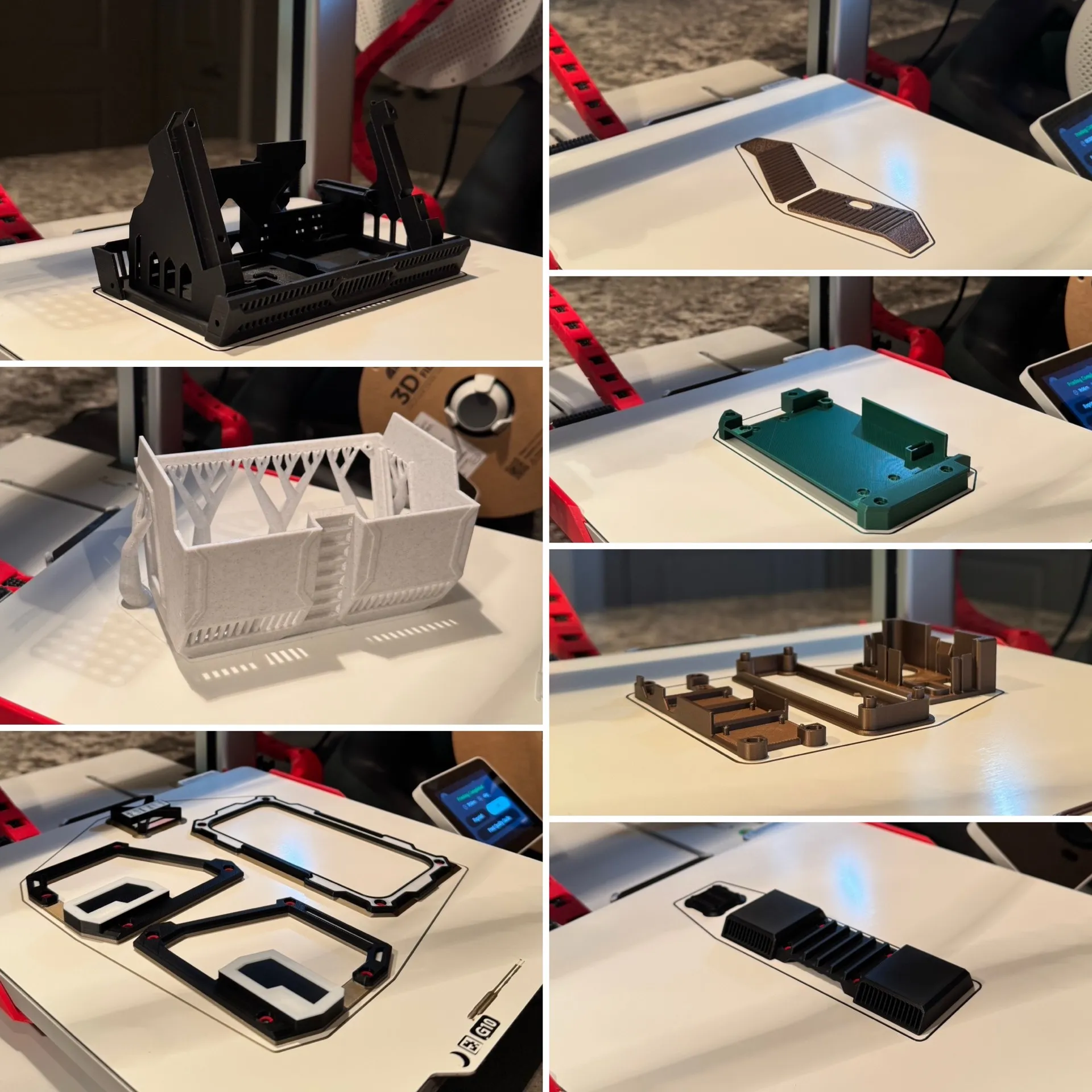
I printed the Lunar Artifact enclosure on my A1 in various types of PLA, and did some customizing on colors and added the old-school NASA logos in the slicer file.

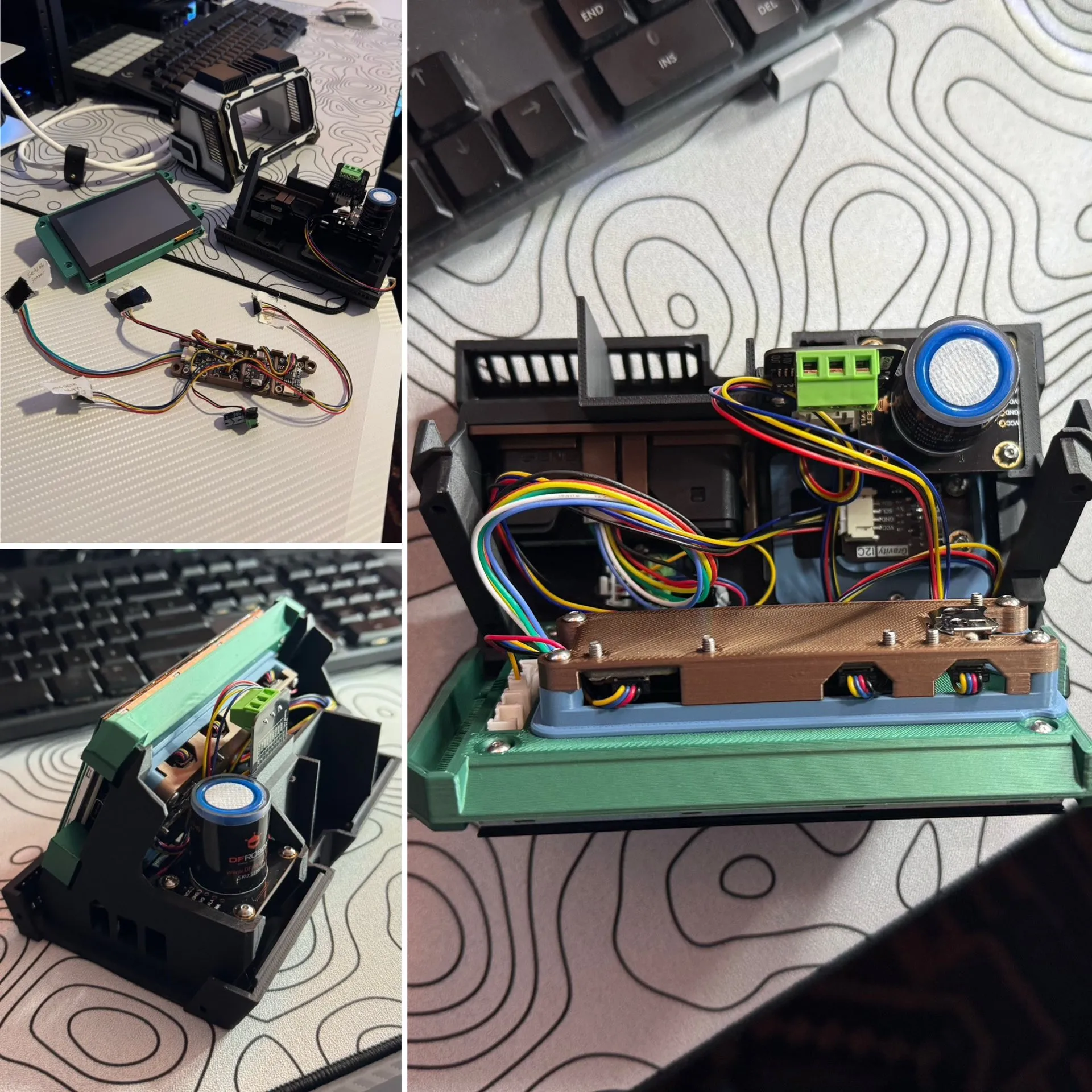
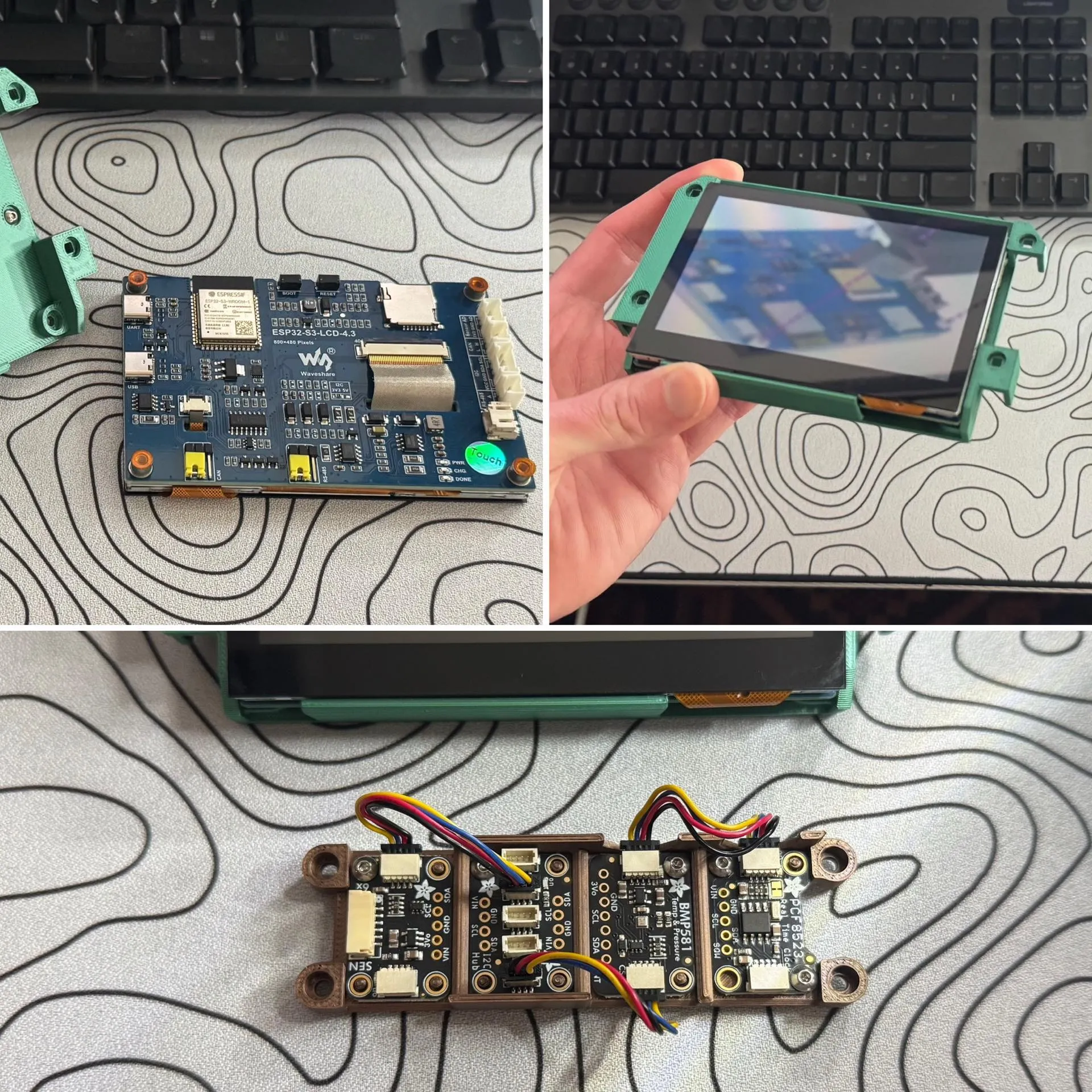
Putting it all together was a fun little assembly (thanks to no soldering), and the instructions provided were very helpful and easy to follow. I did all the sensors.

Flashing the software to the display board was simple (following the instructions) and worked perfectly first try.

Then starting it up for the first time and getting it connected to WiFi, all just as painless and again, worked perfectly first try (I was not expecting it to be that easy!!)

Looking forward to now obsessing over new air quality data 😂

@ooze_control
Builder follow-up

forgot to mention that I used a slightly larger capacitor, based on what I could find at my local Microcenter, and it works perfectly. I got a pack of 10x 25V, 470 uF ones (just as a reference point for others)

@21CNCStudio
Project creator

Wow, those photos are amazing! 🚀 Thank you so much for the detailed review — really glad everything came together so smoothly. Enjoy obsessing over the data!
Industrial enclosure

White and space grey

View on MakerWorld
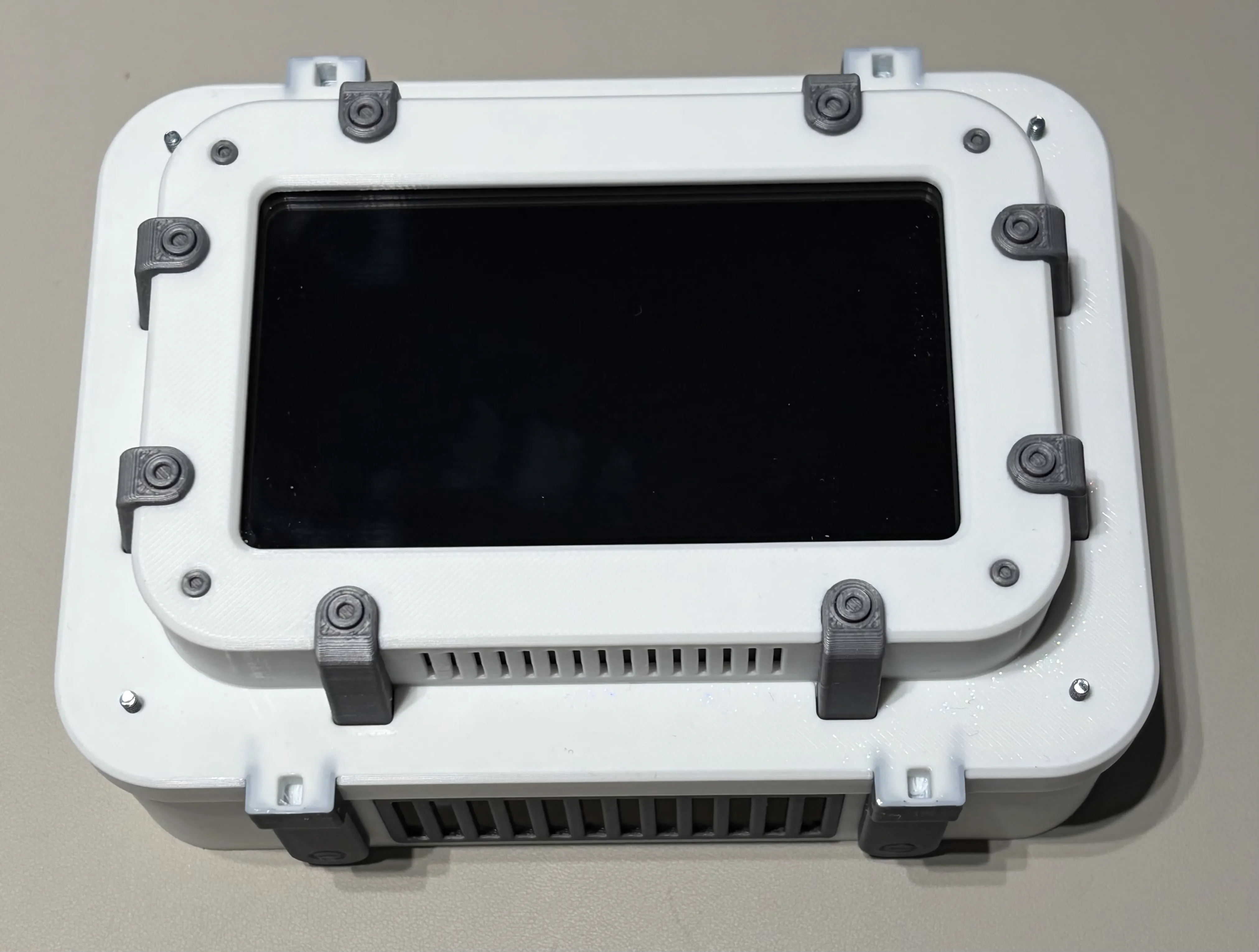
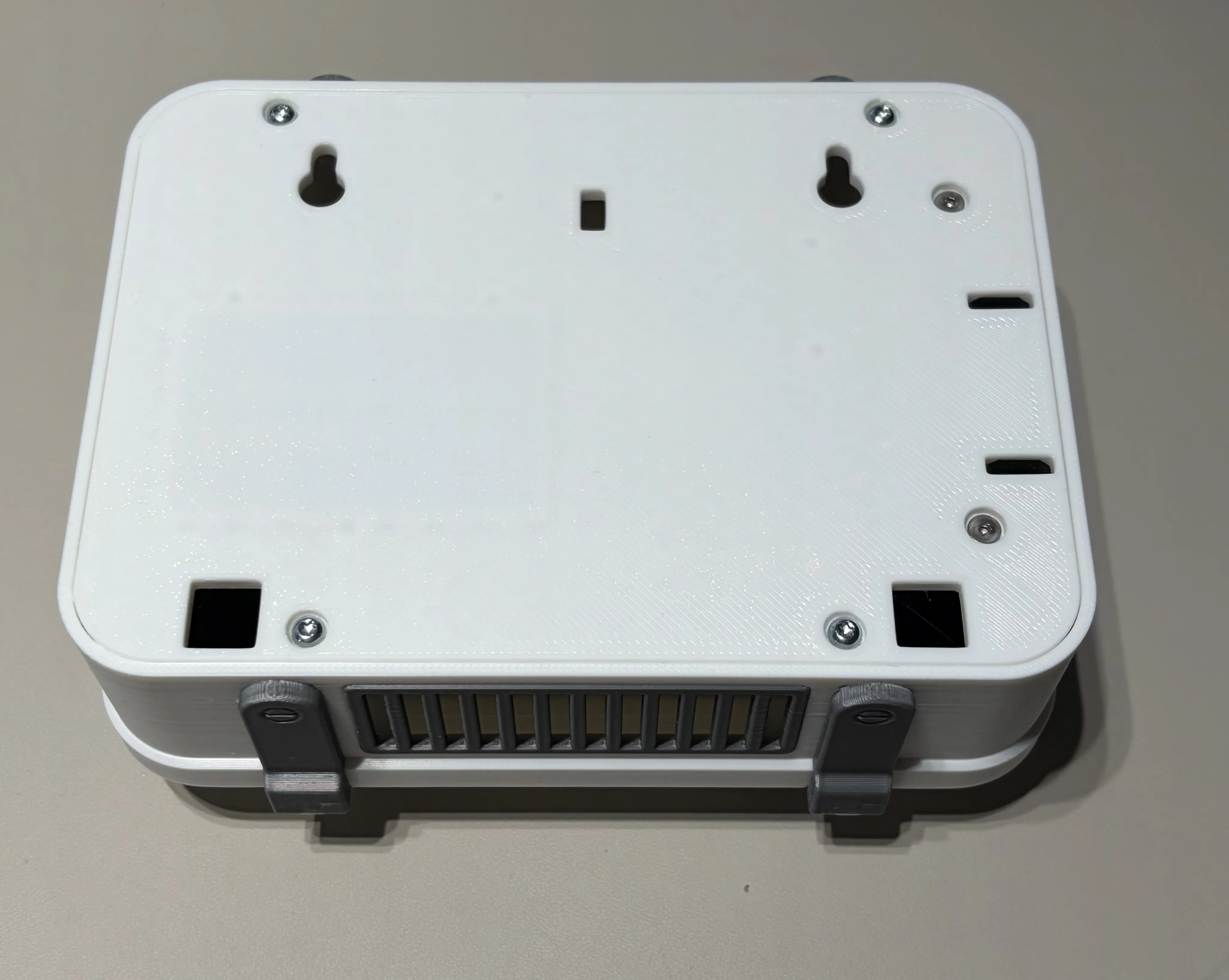
Hitm357’s white and space-grey Industrial Aura AQ enclosure — Photo 1 of 4
Photo 1 of 4
Photo: @Hitm357 · MakerWorld
MakerWorld review
Print-profile rating
@Hitm357

Excellent project! Great design and execution.

Easy print without problems and assembly was a breeze with the included instructions

Printed in Overture PLA Pro white / space gray

Shout out to smartdomo.de too for providing a complete kit for this.

@21CNCStudio
Project creator

Thank you so much! Really appreciate the 5-star rating and the kind words. Your build looks fantastic — the white and space gray color combo turned out great!

So glad the assembly went smoothly and the instructions were helpful. Enjoy your Aura!

Industrial enclosure

A two-colour build beside Skadis

View on MakerWorld
Mitch_in_Wilts’s working two-colour Aura AQ beside an IKEA Skadis board
Photo: @Mitch_in_Wilts · MakerWorld
MakerWorld review
Print-profile rating
@Mitch_in_Wilts

Up and running. Need to make myself a bracket for the IKEA Skadis board. Looks fabulous. Took an age to print the 2 tone case, as you would expect.

Will connect up to Home Assistant after dinner.

Thank you. A great project. 5 Stars.

@21CNCStudio
Project creator

Looks cool! Thank you very much for your feedback!

Parts & assembly

Putting the parts together in the UK

View on MakerWorld
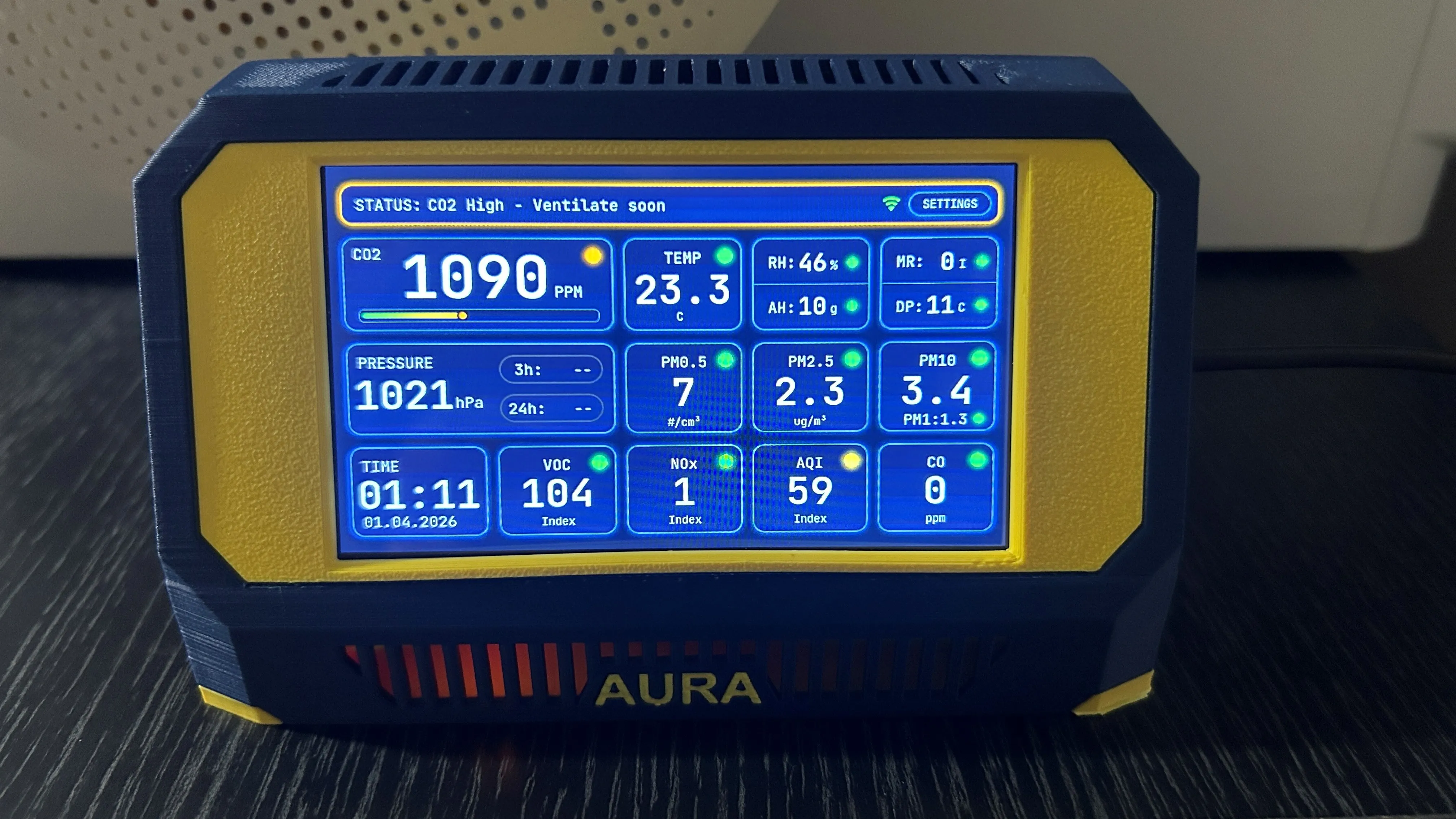
Aura AQ assembled by MakerWorld user_3838416773 in the UK — Photo 1 of 2
Photo 1 of 2
Photo: @user_3838416773 · MakerWorld
MakerWorld comment

Amazing, easy to print and assemble with decent instructions. Up and running within minutes and overall really happy with and glad to be part of it 🙂

Some parts took a bit of searching to find as many places out of stock for some parts (UK Based) but managed to find and get everything within about 14 days including from overseas, made sure to use reputable sources for parts so no cheap copies or clones. Just now waiting on delivery of Formaldehyde sensor. Fitted every sensor other than the DAC module, although I did order one, misunderstood thought the fan control was internal fan to help airflow/detection. 🤦‍♂️ Extremely sensitive equipment and quick to update to changes in environment, love the web interface, one thing I would like is to be able to change the parameters for the triggers for alerts so (for example) if cold it isn't flashing and only for specific ones rather than alerts on or off for everything. That's just me being a bit picky though, and is great as is.

@21CNCStudio
Project creator

Awesome! Really glad everything came together and you're happy with the build! 🎉

Regarding custom alert triggers: The code is fully open source on GitHub, so you can customize alert thresholds and conditions to your specific needs if you want to dive into it!

Screen frame bulging: I can see the frame is slightly warped at the bottom. You're not the only one experiencing this — I'll add a corrected version of this part soon to fix the issue.

Thanks for the great feedback and for being part of the project! 🙌

@user_3838416773
Builder follow-up

Understood on github and great thanks. Bulging at bottom of the screen, I think this may (in part, at least for me) be due to printing with PETG using a PLA profile 🤦‍♂️ (Printed on the U1 and using some spools from the Bambu) or that I printed in Orca which lost some of the 3MF settings from Bambu slicer I believe.

I did also amend the main case to have a separate element/part for the "Aura" text to get a better finish as using coloring didn't come out the best. Might redo again once the Formaldehyde sensor arrives though, or might build another for a different room.

@21CNCStudio
Project creator

I just added a new print profile with corrected screen frame variants (-0.1mm, -0.2mm, -0.3mm) to fix the bulging issue. Give those a try!

But yes, PETG with a PLA profile and losing 3MF settings in Orca could definitely contribute to the problem

Original & 7-inch

Two sizes, one workbench

View on MakerWorld
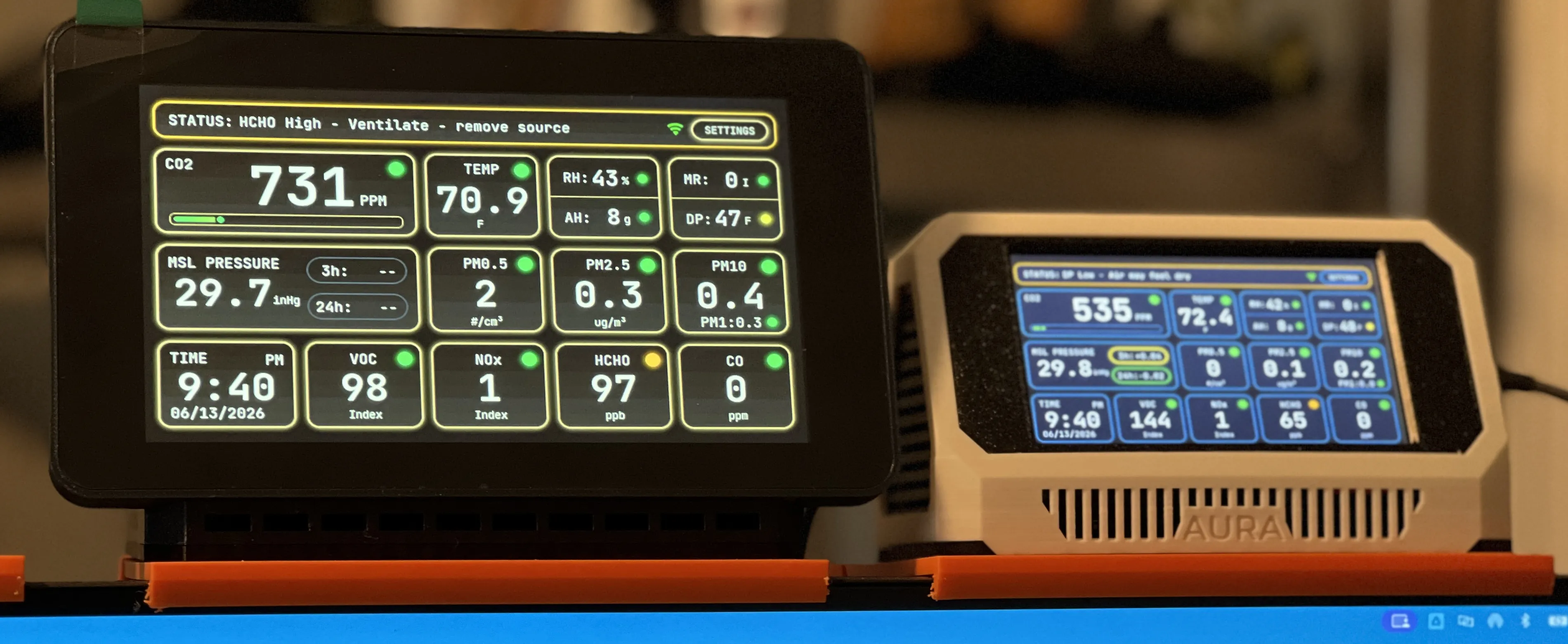
Chopperpilot24’s original and 7-inch Aura AQ stations together
Photo: @Chopperpilot24 · MakerWorld
MakerWorld review
Print-profile rating
@Chopperpilot24

Finally! I think they're all set! Waiting for the 7" to settle in as it's only been operational for about 2 minutes. Thanks for the setup/cable video! Going to pass the smaller one off to my son-in-law.

The smaller one (original) seemed to take forever waiting on parts to come in, find out something was backordered, find another source, search AliExpress for same thing, order it from there, cancel back ordered parts... 7" only took a few weeks to get parts in, ordered the custom PCB and sensors , got everything in and assembled, then waited a couple of days for your assembly video to drop and boom, done! Fun projects! The 3D prints were the easy part. Hahahah!

With all the extra ports available on the custom PCB, I almost feel like I should order some more sensors to plug in. Any recommendations for a 12' x 12' off that I work in most days but also have three 3D printers running off and on during the day?

Thanks again for all the work you've put into these!!!

@21CNCStudio
Project creator

Thank you so much for the detailed review, really glad you enjoyed the build! 😊

For a home office I don't think you need any additional sensors unless you're working with anything toxic. The one thing worth considering is a 0-10V controlled exhaust fan — with the DAC module Aura can manage it automatically based on air quality. With three 3D printers running, that could actually be really useful!

@Chopperpilot24
Builder follow-up

I actually have a pretty decent air purifier that’s probably about 4 times bigger than I need in my office which has sensors in it that automatically kicks it on to draw air through it’s multi layer active carbon and HEPA filters and I can actually watch my Aura numbers drop after they gone up enough to trigger my air purifier. I tend to run my purifier any time I’m in the office though, just to be safe. I started my Aura project out of curiosity as to how good my purifier was or was not. Was almost a scavenger hunt to get all the parts on the original. Again, this Aura project was super cool. Thanks again for all your hard work and I’m sure late nights and am sure so many people bugging you over it. Pure awesomeness you’ve got here!

@21CNCStudio
Project creator

Thank you so much, comments like this really make it all worthwhile! 😊 Really glad Aura is giving you useful real-world data on your air purifier — that's exactly what it's made for! 👍

PETG enclosure

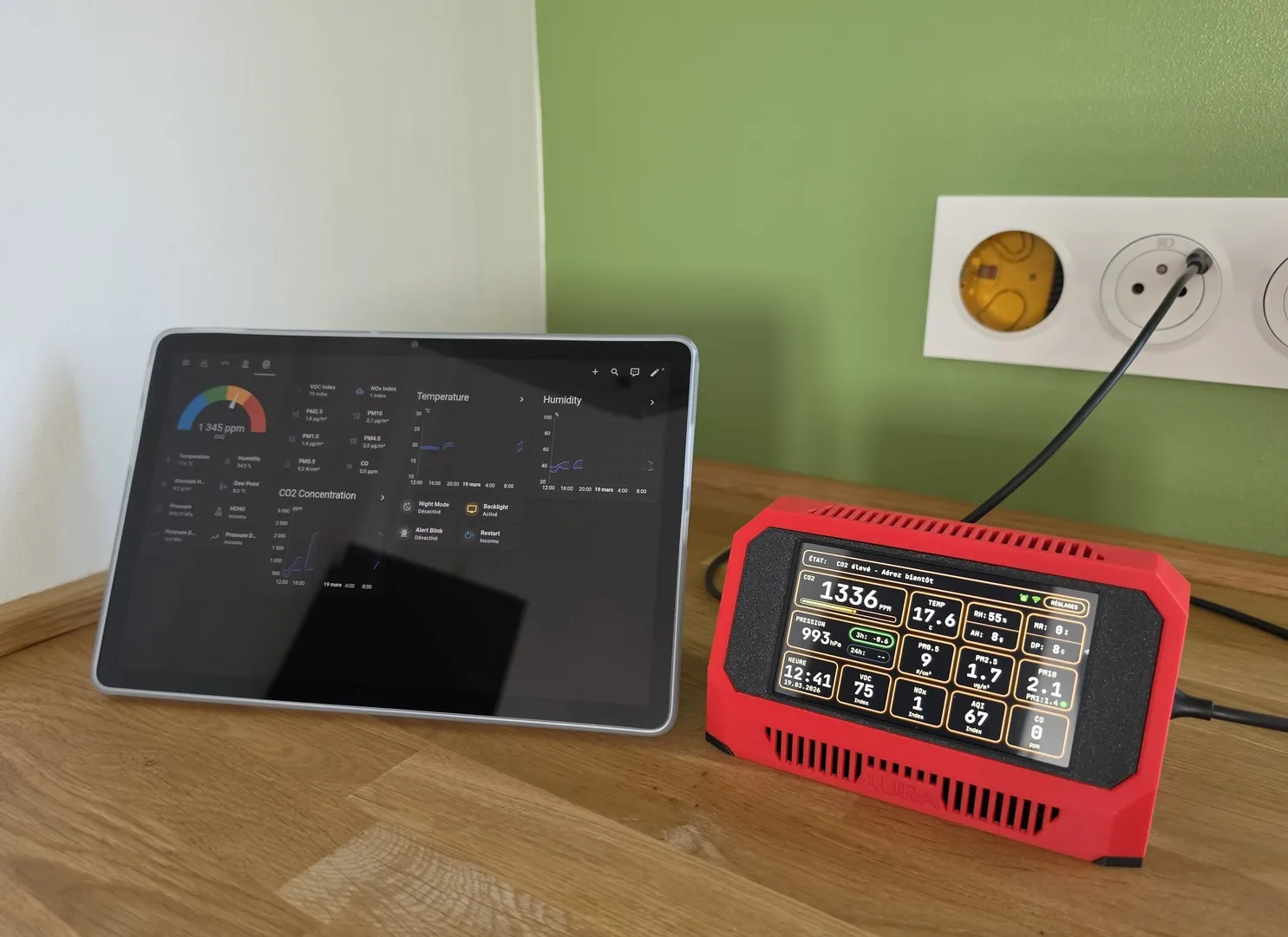
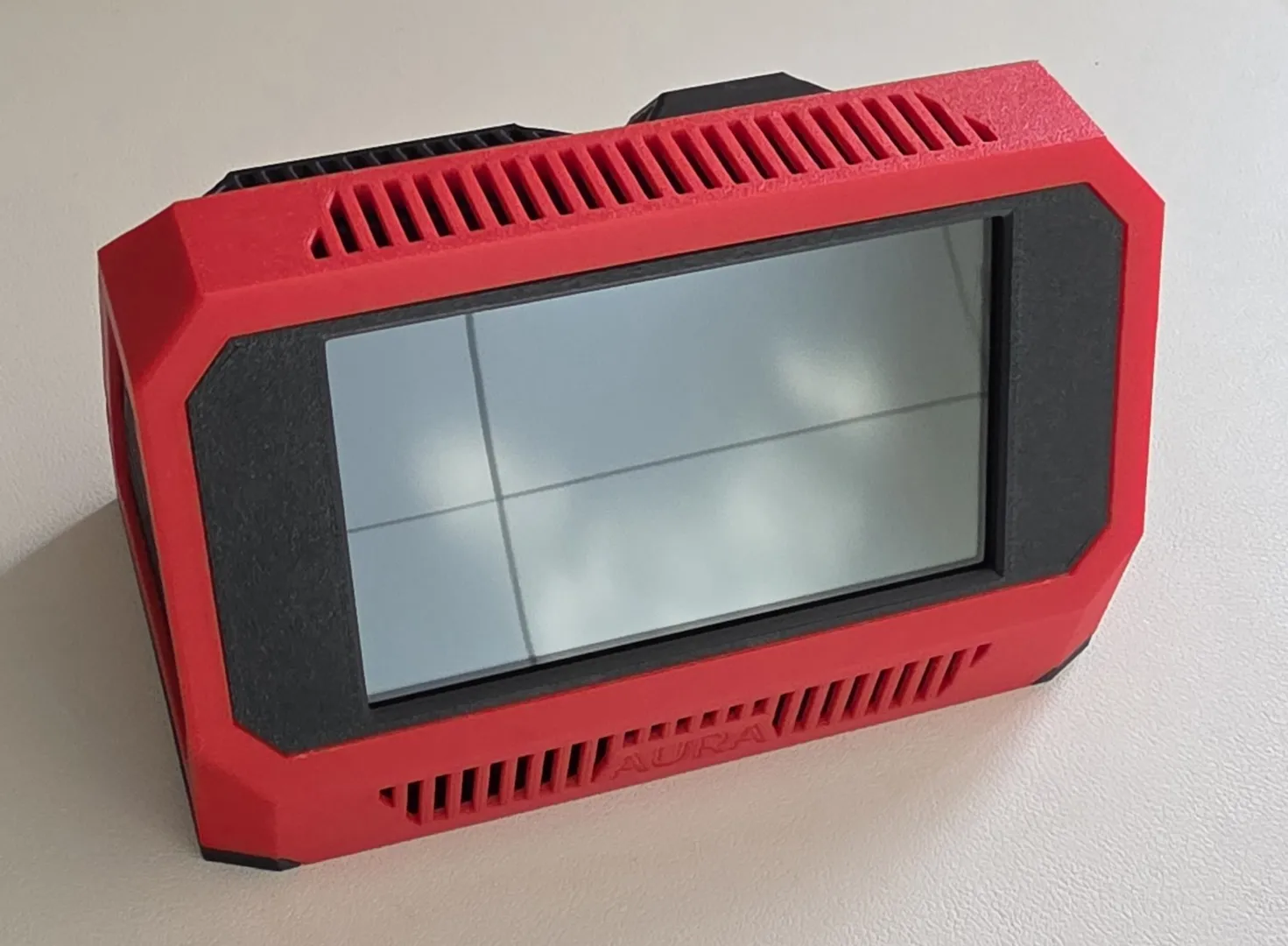
A red PETG build

View on MakerWorld
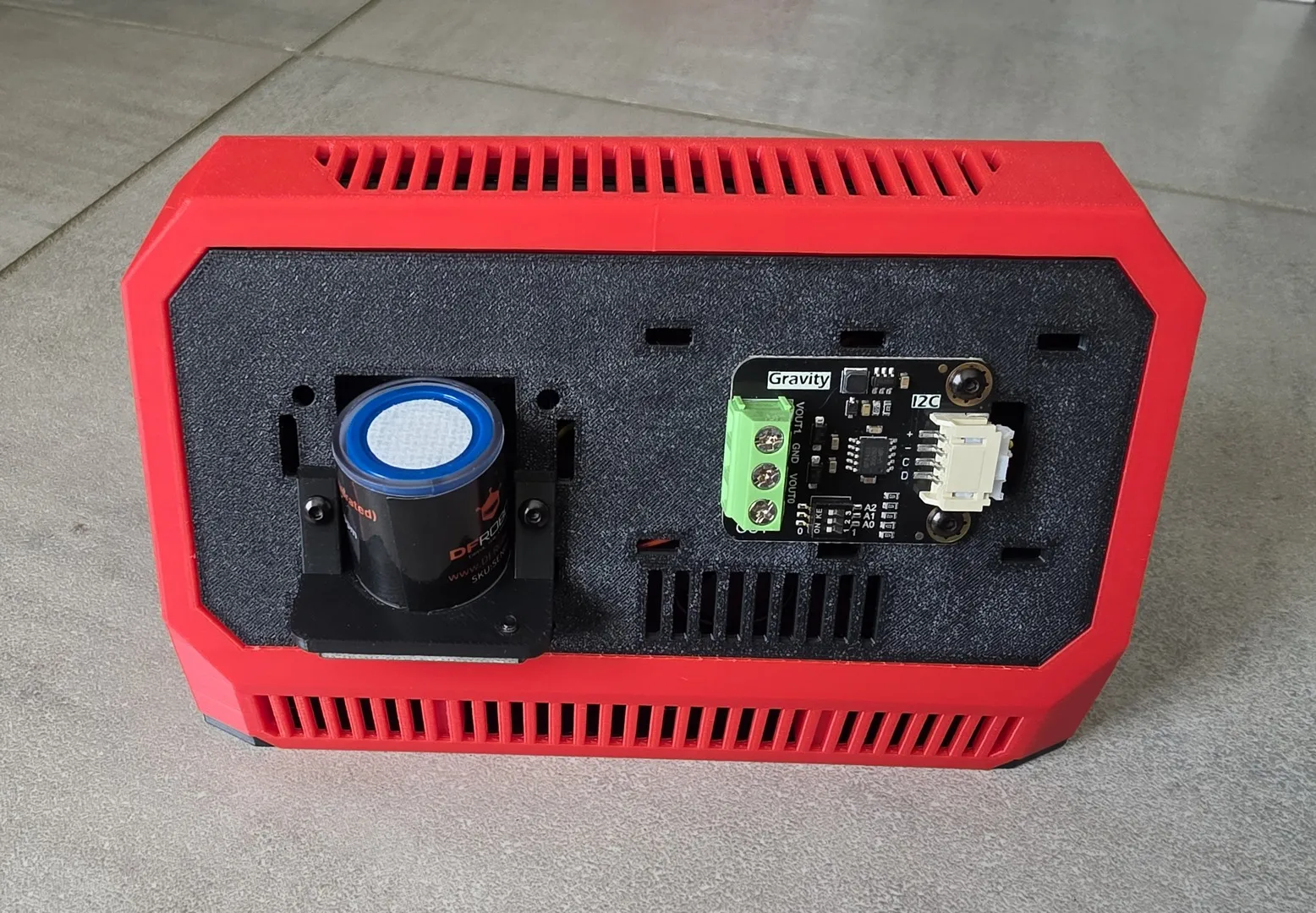
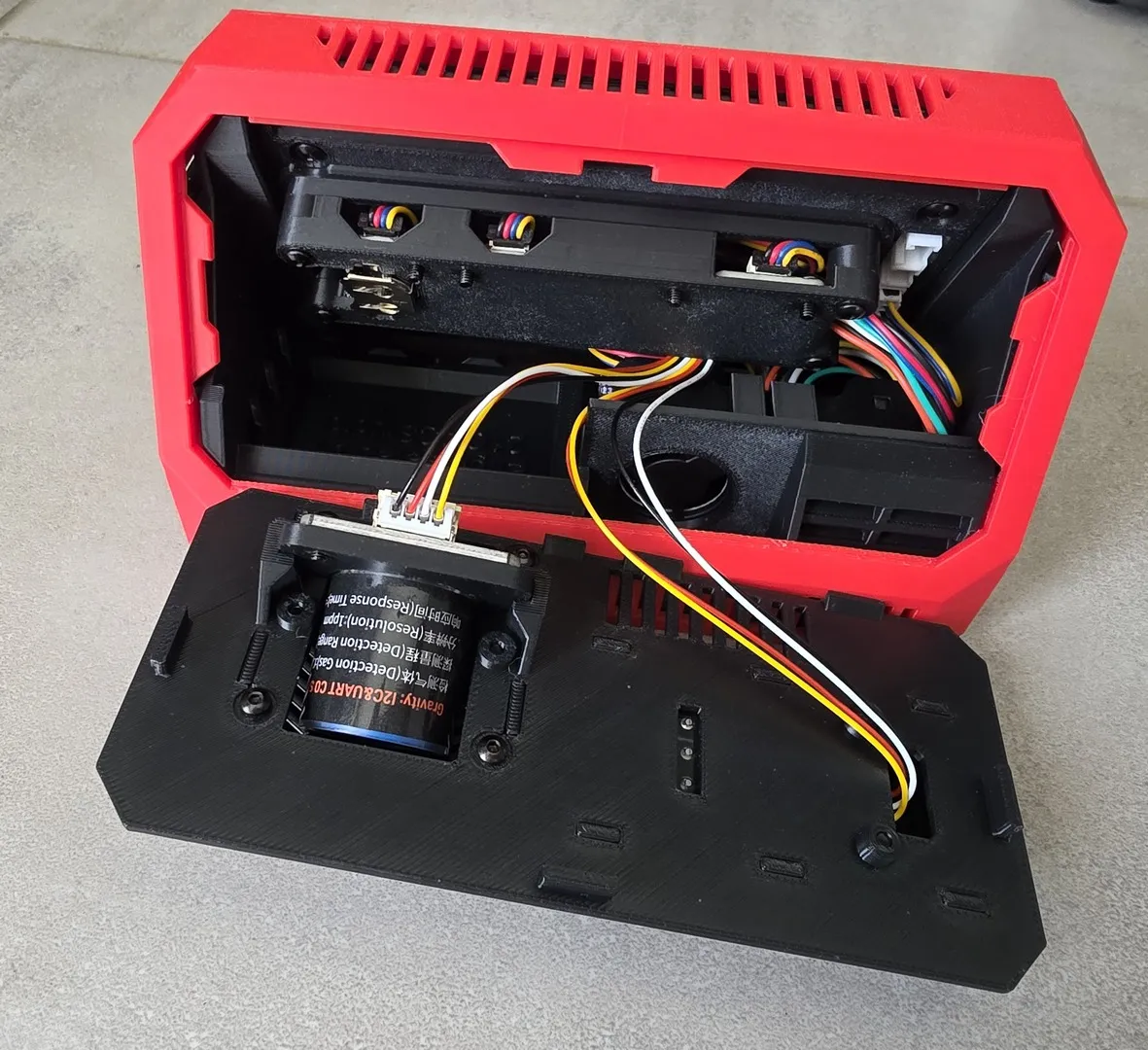
steph54fr’s completed red PETG Aura AQ beside a tablet — Photo 1 of 4
Photo 1 of 4
Photo: @steph54fr · MakerWorld
MakerWorld comment
@steph54fr

Original review in French

Super projet, avec un appareil de mesure de la qualité de l’air qui se démarque réellement de la concurrence.

Je vais suivre les mises à jour logicielles, car le potentiel est très important.

Impression en PETG réussie.

@21CNCStudio
Project creator

Thank you so much for your feedback and the photos! Very happy that the PETG print worked well.

I'm already working on a major update — network and MQTT will work much better. More improvements coming soon!

Home Assistant

Two builds controlling air filters

View on MakerWorld
MakerWorld comment
@user_3263362592

This is by far one of the most sophisticated well thought out projects I've found through Maker World! I've now built two of these, integrated them into Home Assistant, and use them to turn on my air filters when the indoor air gets nasty! The biggest hurdle is getting the correct display as there are a couple of varriants out there that don't work with the firmware. If you use the link posted and buy directly from Waveshare you should be ok, if not, verify the Waveshare SKU before purchase or you may be sorry!

The first one I built I built with all the sensors and the DAC for fan control. For the second one I went more bare-bones and left off the CO and Formaldehyde sensors along with the DAC. The firmware handles configuration no matter which configuration you decide to pursue. I found setup to be easy and well documented.

Yes I would recommend to anyone interested to spend the money and build this air monitor. I look forward to the future firmware releases.

@21CNCStudio
Project creator

Thank you so much! It’s great to hear that you’ve built two units and are using them with Home Assistant to control your air filters.And yes, choosing the exact supported display is very important. I intentionally keep the list of supported boards limited because I simply don’t have enough time to properly test and maintain firmware for every hardware variant. As you’ve noticed, the project is still actively evolving, and there is plenty of new and exciting work ahead!

Support & follow-up

Three stars, then a working station

View on MakerWorld
MakerWorld review
Print-profile rating
@whiteninjazx6r

Print is great. The parts list, and software, and compatibility could use a lot of work. Tried 6 decent data transfer cables, some work well, some dont. Same goes for the power brick. Super finicky. Has to be rebooted multiple times per day. If this issue isnt solved soon. Better to trash it and learn my lesson on crowdfunding projects like this.

@21CNCStudio
Project creator

If you are using the 7-inch board, these stability issues have already been resolved in firmware 1.2.0. The update requires a wiring change, so please read the full instructions carefully before installing: https://aura-aq.com/blog/aura-aq-1-2-0

Version 1.2.0 is currently available under the Beta tab in the installer.

@whiteninjazx6r
Builder follow-up

Everything working perfectly with the new wiring and FW. Thank you! I tried to update my rating, but I dont think there is an option. I tried to make a new one and it says I need to have at least 1 print record, and I assume that means I needed to print it AGAIN. I did print the new parts, and that doesnt count I guess?

@21CNCStudio
Project creator

Don’t worry about the rating. I completely understand, and I would have been frustrated too after spending money on a device that wasn’t working properly. I’m really glad everything is working well now.

Please join our Discord community, and if you have any problems in the future, post them there and we’ll figure everything out together.

Firmware availability mentioned in this September conversation is historical.

The source link opens the model’s Reviews & Ratings. Look for the author and date shown here. Original wording is preserved, with selected replies from the builder and 21CNCStudio. Stars are the maker’s print-profile rating. Screenshots are available as captured; the full discussion and any later replies are on MakerWorld.

MakerWorld / Aura AQ

Thank you for sharing your builds.

Thank you to everyone who has shared a build, photo or review. We’ve included a small selection here, and we appreciate every contribution, even if yours isn’t featured.

Browse all the reviews and photos on MakerWorld