
Discuss
Join the Aura Discord
Post a build, compare hardware, discuss an integration or give feedback on Aura AQ, Hub, Link and Satellites.
Open DiscordShare your setup, compare sensor choices, troubleshoot hardware and firmware, and help shape the next Aura projects.
Free to join. Discord opens in a new tab.
Start here
Discord works well for conversation and early ideas. MakerWorld keeps build answers public. GitHub gives reproducible firmware defects a clear technical record.
Post a build, compare hardware, discuss an integration or give feedback on Aura AQ, Hub, Link and Satellites.
Open DiscordFind existing assembly, cable, sensor and usage answers. Add a question when the public thread does not already cover it.
Open Community Q&AReport a reproducible firmware defect with the version, board, sensor list, steps and logs needed to investigate it.
Open GitHub IssuesCheck supported displays, current parts, optional sensors and installer access before ordering or flashing hardware.
Explore Aura AQWhat we work on
The community covers finished builds, active development and early product ideas. Each project page states what works today and what still needs proof.
Compare display sizes, sensor combinations, cable paths, printed parts and real installation choices.
Explore Aura AQTest local dashboards, MQTT, Home Assistant and the developing Hub and Link workflows with clear evidence.
See Aura AQ HubDescribe the room, problem and constraints behind an idea so the tradeoffs can be discussed before hardware is fixed.
See Aura SatellitesShare your build
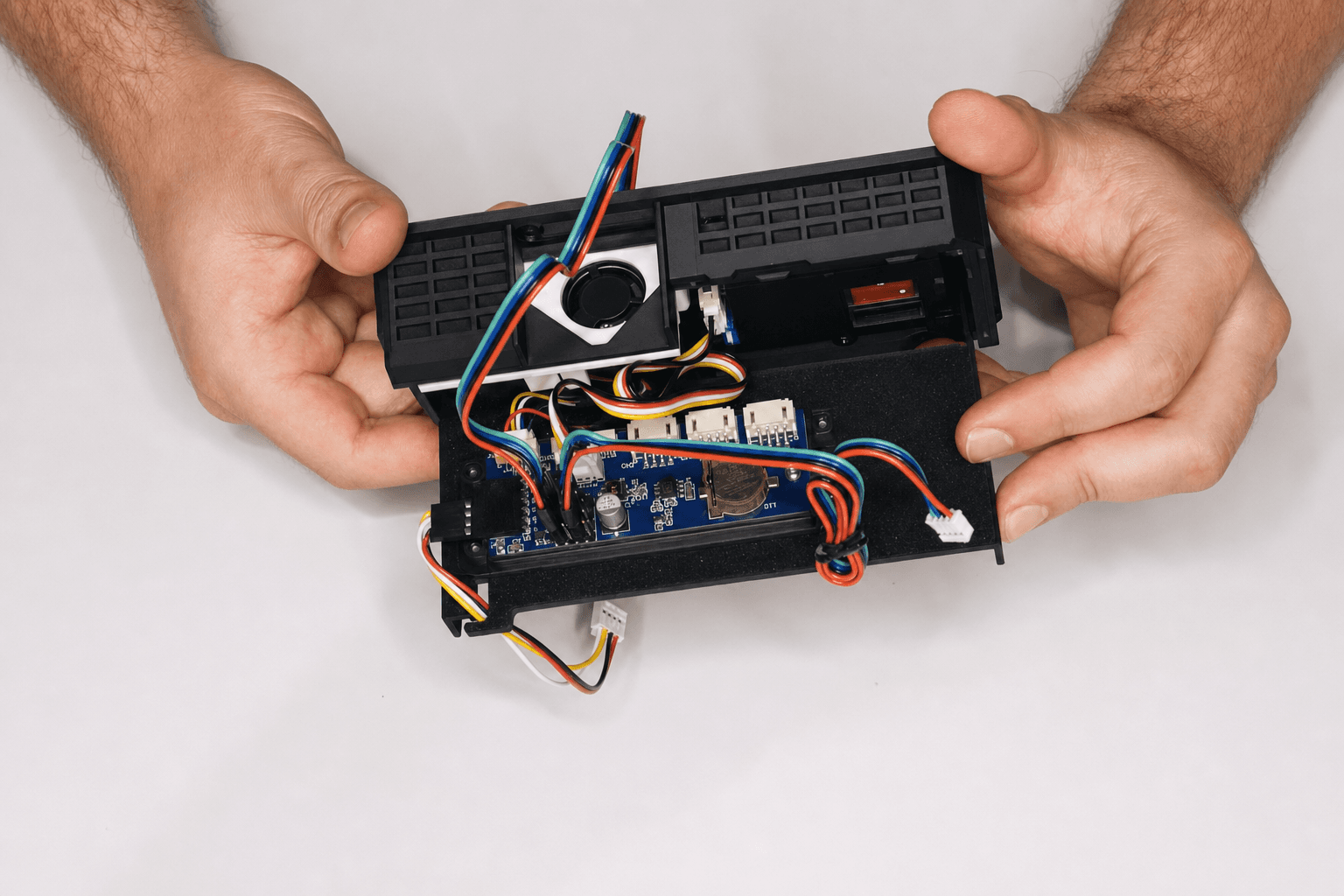
A photo starts the conversation. The board model, firmware version, sensor list and result turn it into something another builder can use.
Name the display, PCB path, sensors, enclosure and power supply.
Add the firmware version, wiring or setting you tested and the result.
Return with the working fix, a useful log or a clearer question.
Get useful support
Hardware problems often look alike from the outside. A short, complete report helps another builder separate power, wiring, configuration and firmware causes.
Search MakerWorld first, then add the missing detail so the answer stays available to the next person with the same build.
Search the Q&AAura AQ is an air-quality monitor and project platform. Optional gas telemetry does not replace a certified life-safety alarm.
Review the deviceBuilt together
You do not need a finished build. Clear questions, photos and repeatable test results give the community something useful to work with.